
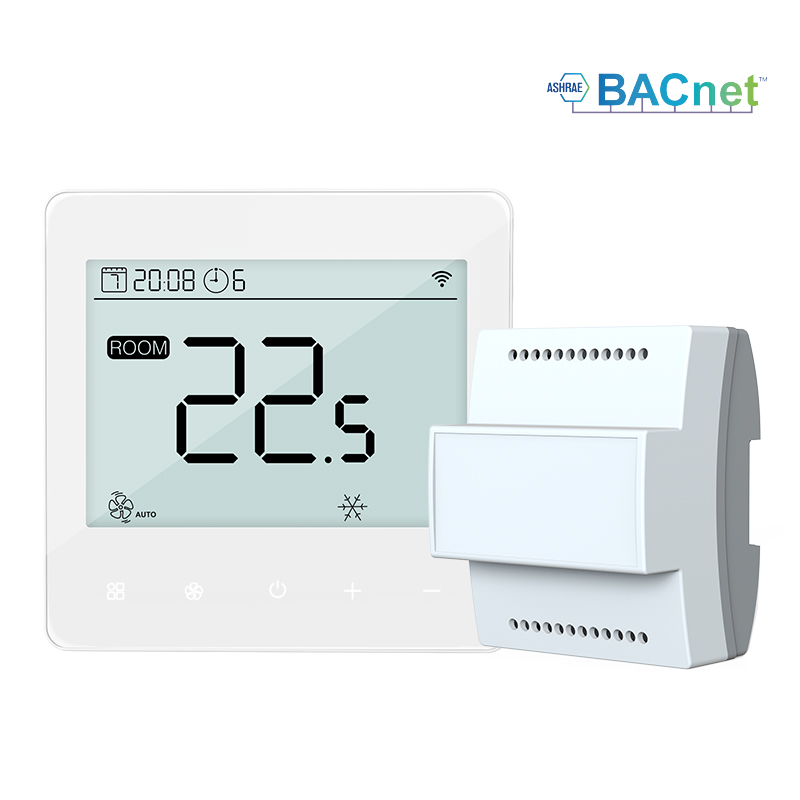
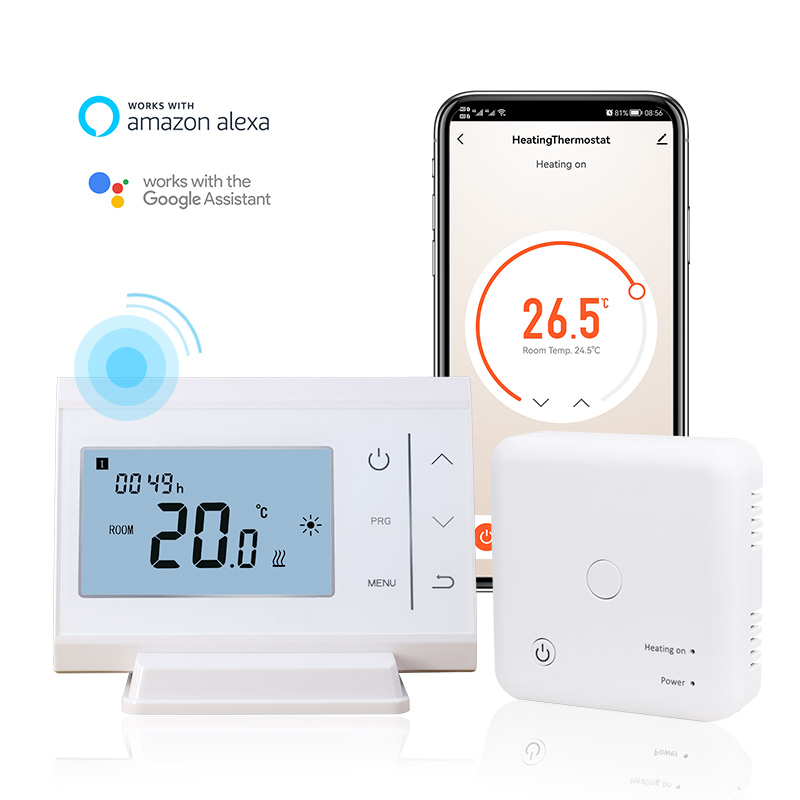
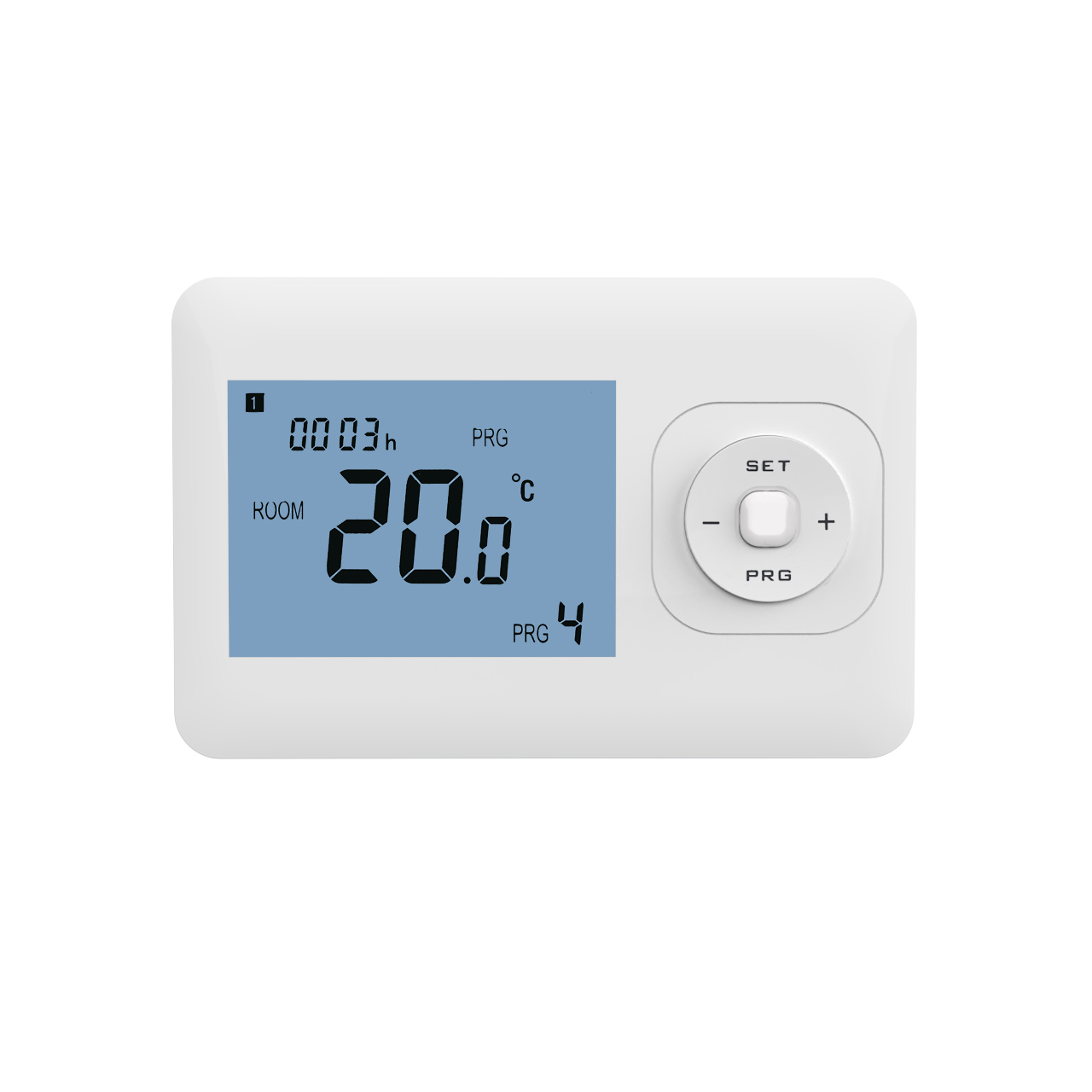
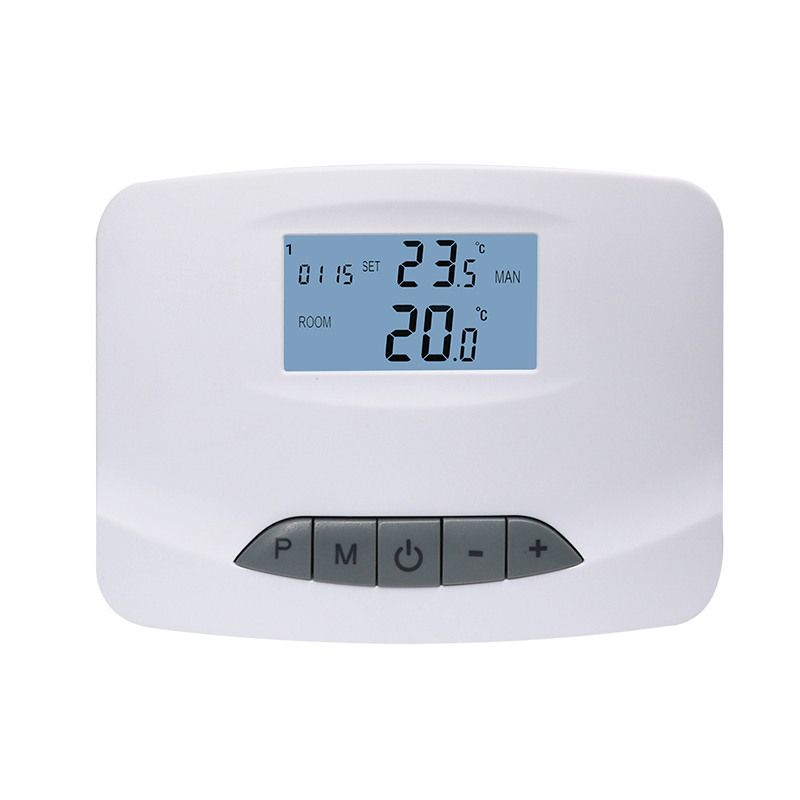
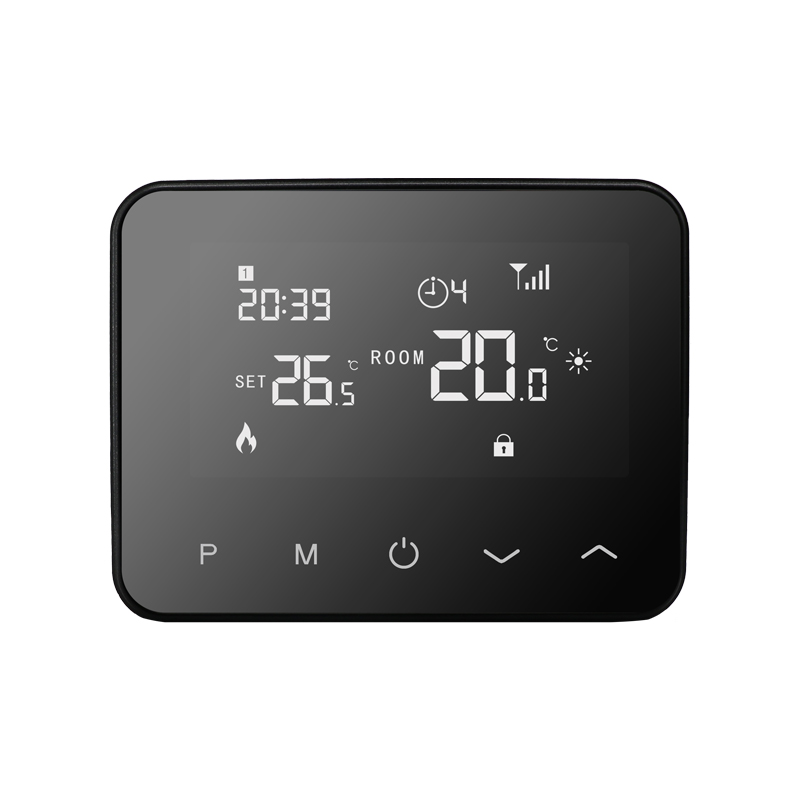
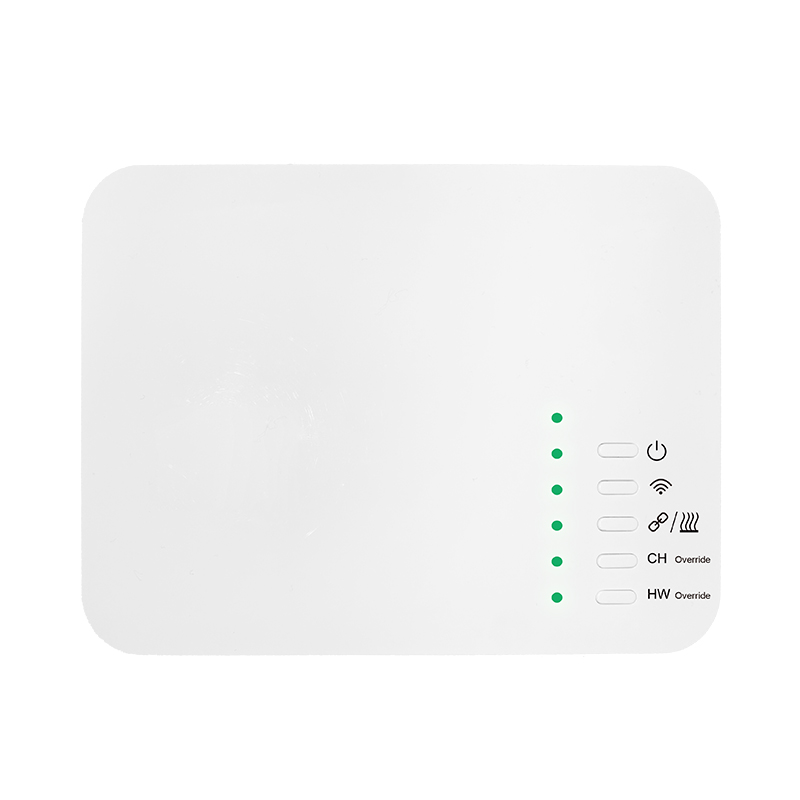
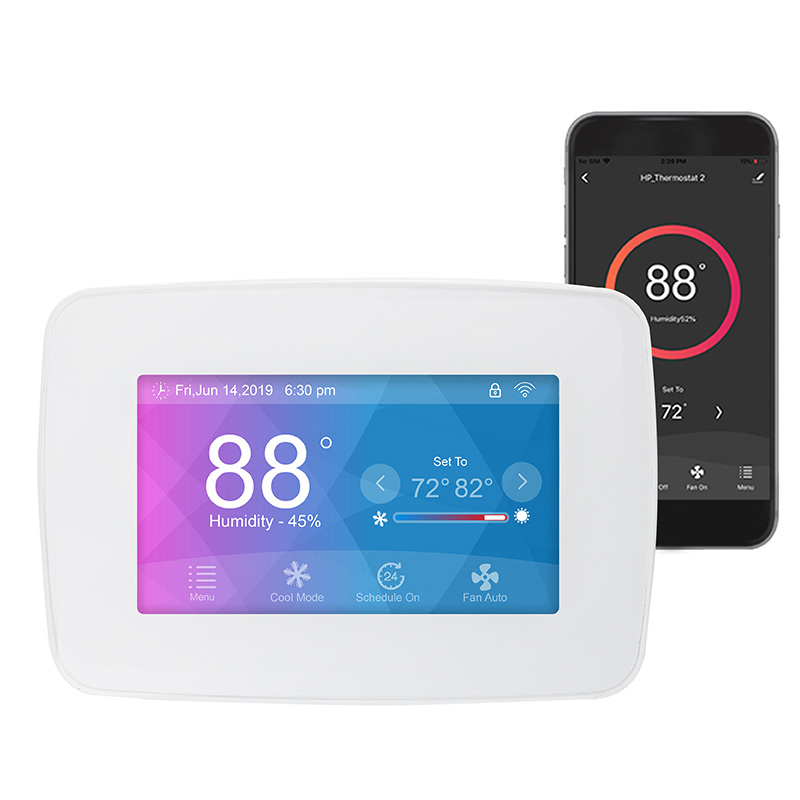
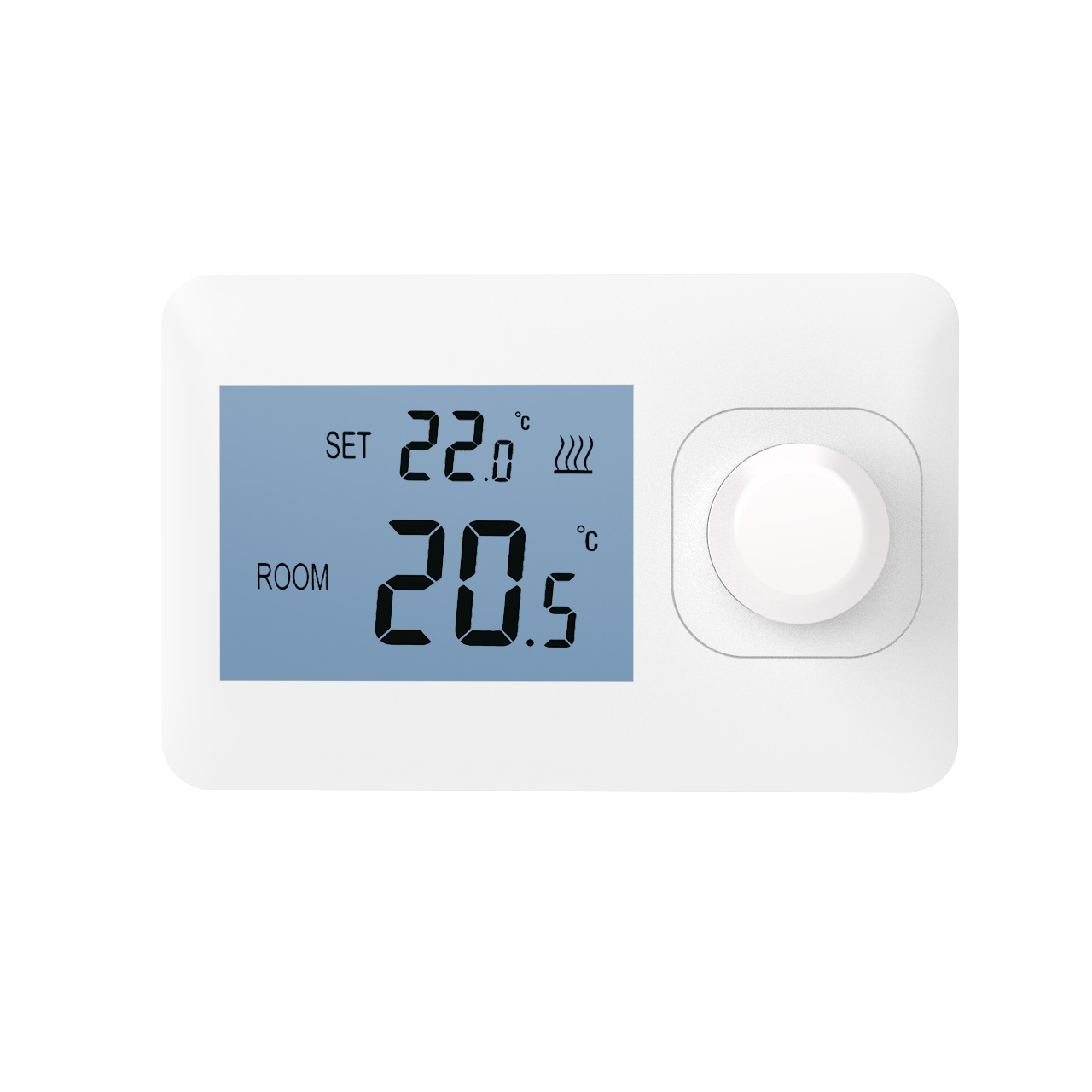
Fan coil units (FCUs) are widely used in modern commercial buildings, hotels, and offices, with the fan coil thermostat serving as the core control device. The thermostat not only regulates indoor temperature but also controls fan operation and valve opening in automatic or manual mode. For new users or operators, understanding how to switch between automatic and manual modes and the underlying principles can be confusing. This article explains how fan coil thermostats achieve auto-manual switching, step-by-step operation, and key considerations.
Overview of Auto and Manual Modes
Automatic Mode: The thermostat uses built-in temperature sensors and preset parameters to automatically control the fan start/stop, fan speed, and valve opening. The system responds to environmental changes without human intervention, ensuring comfort and energy efficiency.
Manual Mode: Users can directly adjust fan speed or valve opening, bypassing the automatic temperature control logic. Manual mode is useful for temporary heating/cooling, equipment testing, or troubleshooting.
How Auto and Manual Switching Works
Fan coil thermostats typically include a switch or software setting to toggle between automatic and manual modes. The underlying mechanism includes:
Control Signal Selection
In automatic mode, the thermostat generates control signals based on sensor feedback to adjust electric valves or multi-speed fans.
In manual mode, sensor signals are temporarily ignored, and user input becomes the main control signal, directly driving the fan or valve.
Priority Switching Logic
Thermostats are designed with either manual-priority or auto-priority logic. When manual mode is active, automatic control is suspended. Returning to automatic mode restores the thermostat’s temperature control loop.
Safety Protection
Some thermostats enforce upper and lower limits even in manual mode, preventing fans or valves from exceeding safe operating ranges and protecting the system.
Example Operation Steps
For a common three-speed fan and electric valve controlled thermostat:
Switching to Manual Mode
Use the panel or knob to select “MANUAL” mode.
Adjust fan speed or valve opening as needed (e.g., low, medium, high).
Monitor indoor temperature to ensure comfort and proper system load.
Switching to Automatic Mode
Select “AUTO” mode via panel or software.
The thermostat reads preset temperatures and sensor data, automatically adjusting fan and valve operation.
No further manual intervention is needed; the system intelligently maintains indoor temperature.
Tips for Using Auto and Manual Modes
Use manual mode for temporary adjustments: For quick heating or cooling, temporary manual control is useful.
Keep automatic mode for daily operation: Automatic mode ensures stable temperature control and energy savings.
Operate safely: Avoid frequent switching or exceeding system design limits, which may damage fans, valves, or disrupt control.
Conclusion
The auto-manual switching function of a fan coil thermostat provides both operational flexibility and precise indoor temperature control. Understanding the switching principle and proper operation allows users to adapt to different scenarios, enhance comfort, improve energy efficiency, and prevent equipment damage. Proper use of automatic and manual modes is an essential skill for modern building and commercial space climate management.