
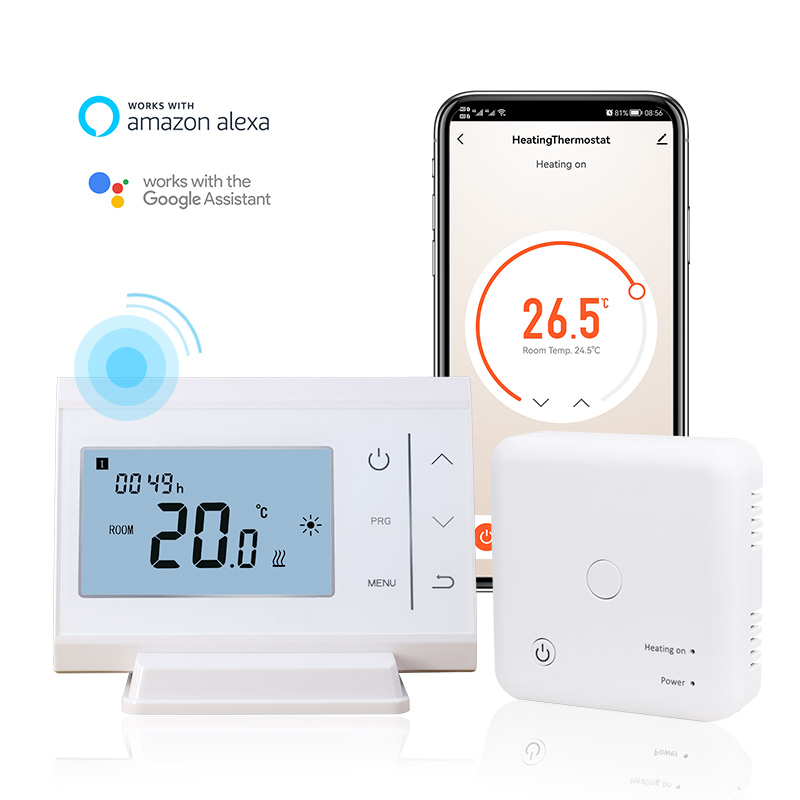
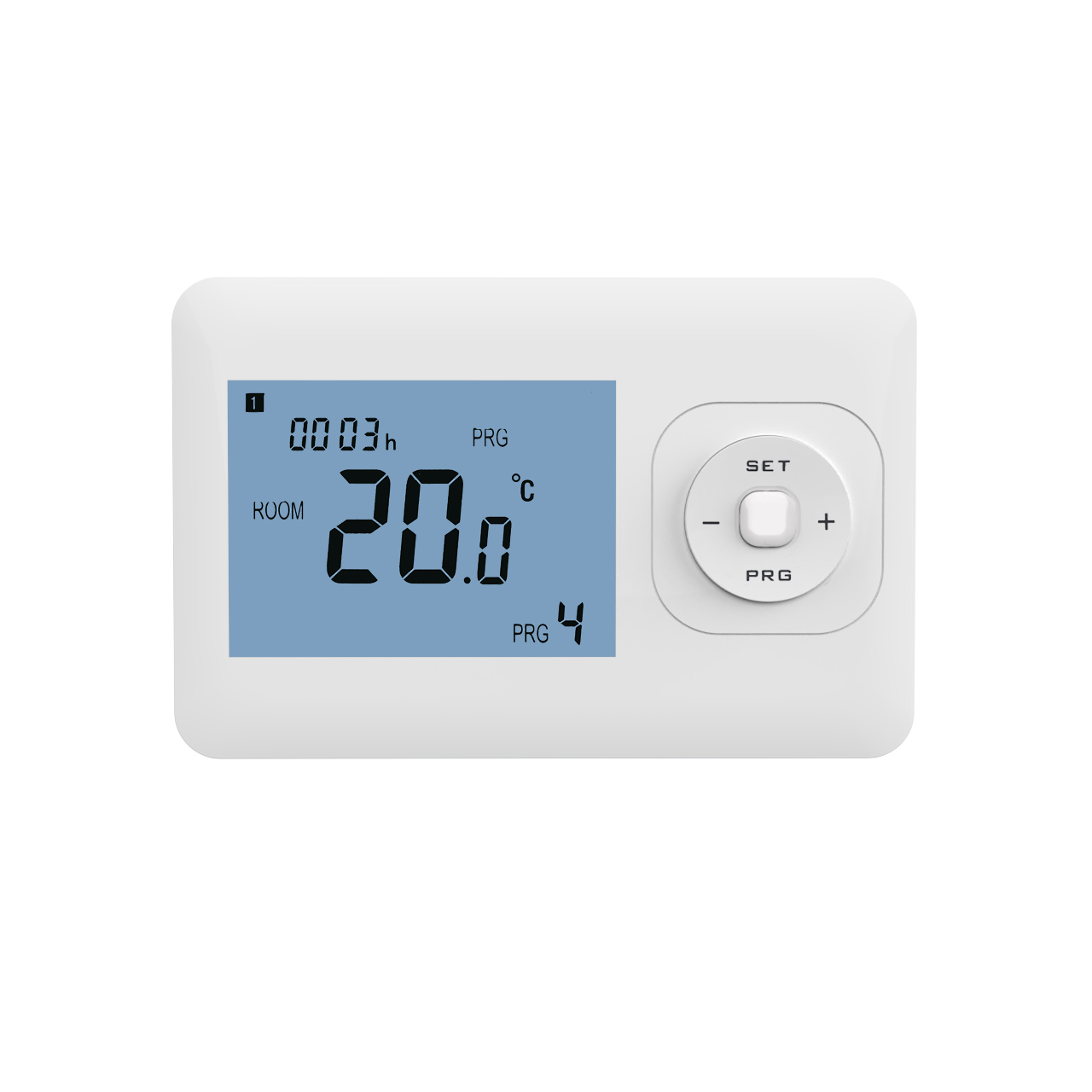
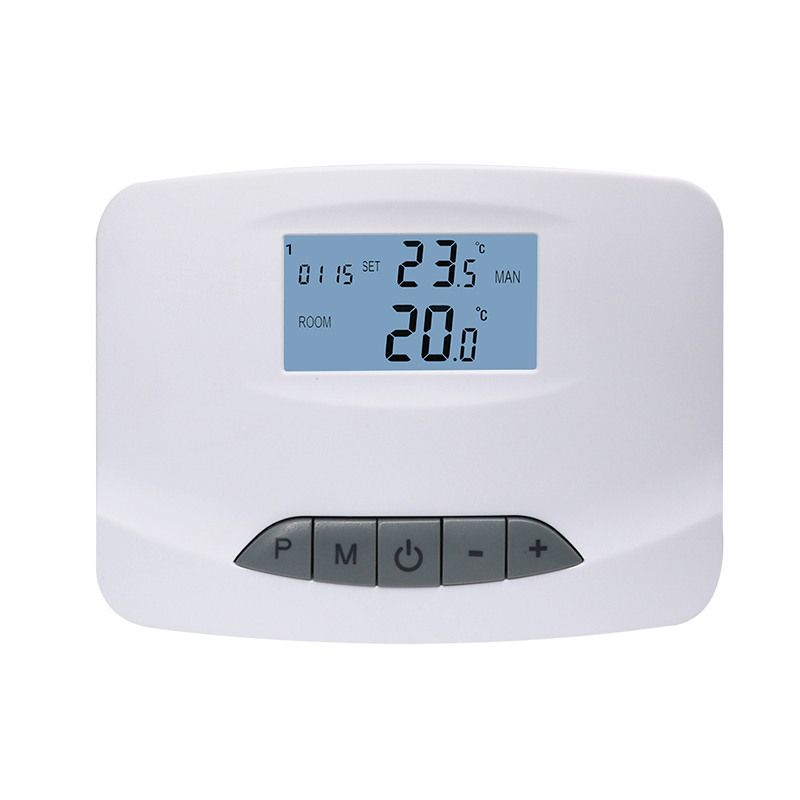
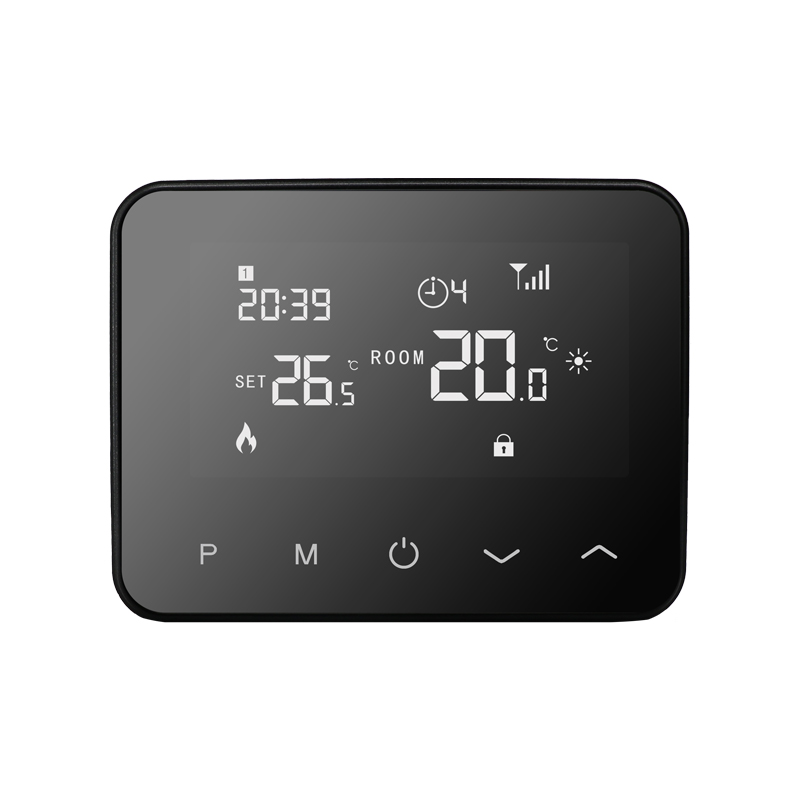
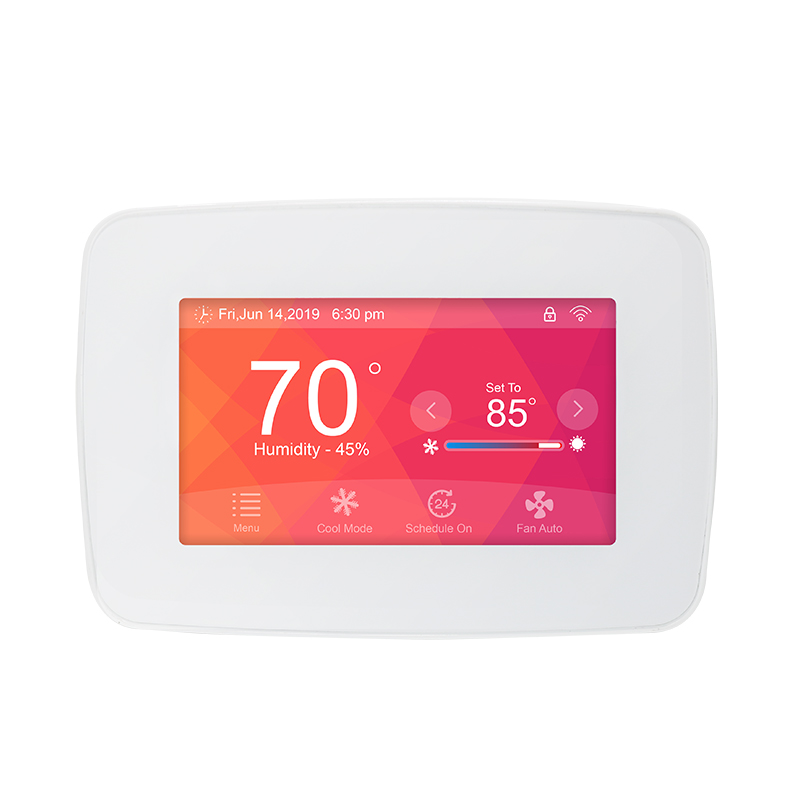
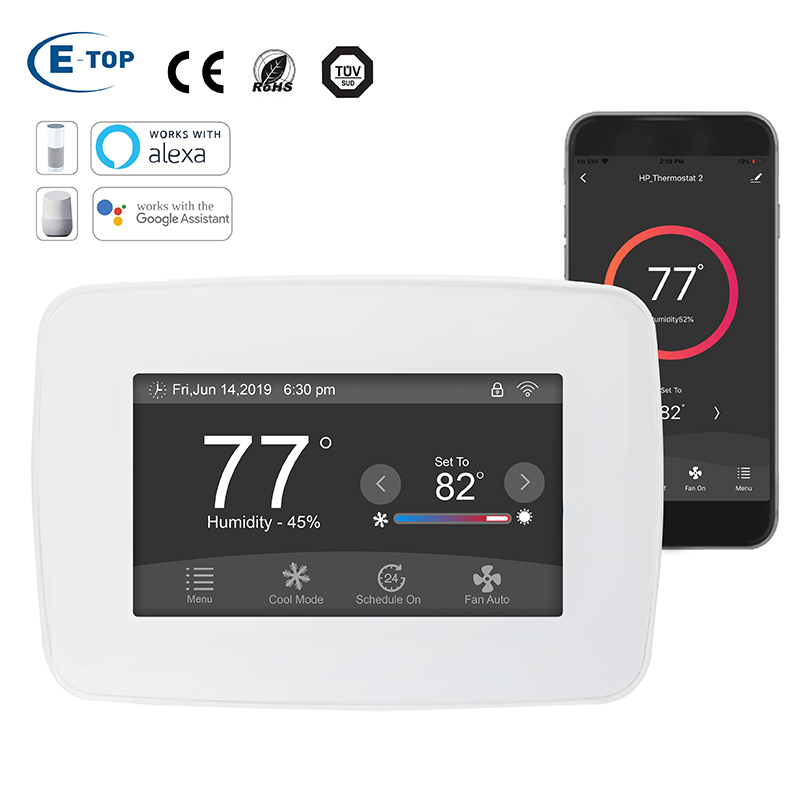
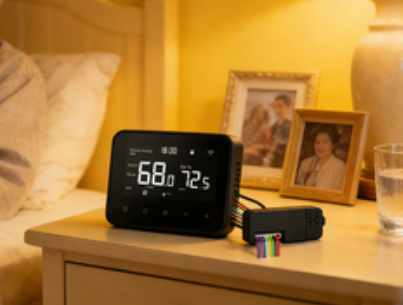
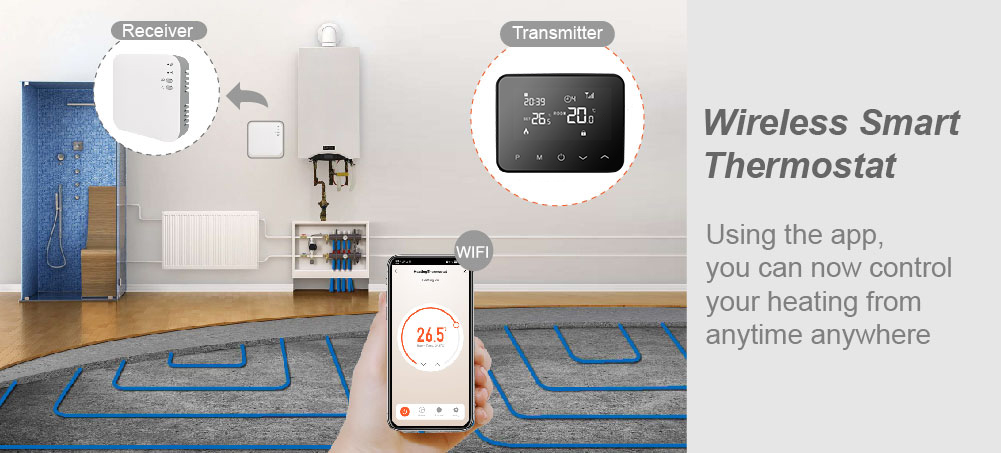
With the rise of smart home systems, plug-in thermostats can do more than just heat or cool—they can integrate with other smart devices to create smart scenes, enhancing home comfort and energy efficiency. By setting up smart scenes, users can automate temperature control based on different times or environmental conditions. This article explains smart scene integration for plug-in thermostats, covering the concept, common integration modes, setup steps, user experience, and precautions.
1. The Concept of Smart Scenes
A smart scene allows multiple smart devices to work together automatically through trigger conditions and actions. For example, when a user returns home, the smart thermostat can automatically turn on and adjust the room temperature to a comfortable level, while smart lights brighten and the air purifier starts. With smart scenes, users can manage the home environment without manually operating multiple devices.
2. Common Thermostat Integration Modes
Typical smart scene integration modes for plug-in thermostats include:
Routine-based integration
Automatically adjust temperature according to wake-up, sleep, or away schedules. For instance, lower the temperature at night for sleep mode and increase it before returning home.
Environment-sensing integration
Combine with temperature and humidity sensors, or door and window status. The thermostat can automatically adjust output, such as turning off heating or cooling if a window is open or the room becomes too warm.
Multi-device integration
Link the thermostat with smart lights, air purifiers, curtains, and other devices to create scene-based automation. For example, a “movie mode” dims the lights, closes curtains, and sets the thermostat to a comfortable temperature simultaneously.
3. Steps to Set Up Smart Scenes
Setting up smart scenes for a plug-in thermostat usually involves:
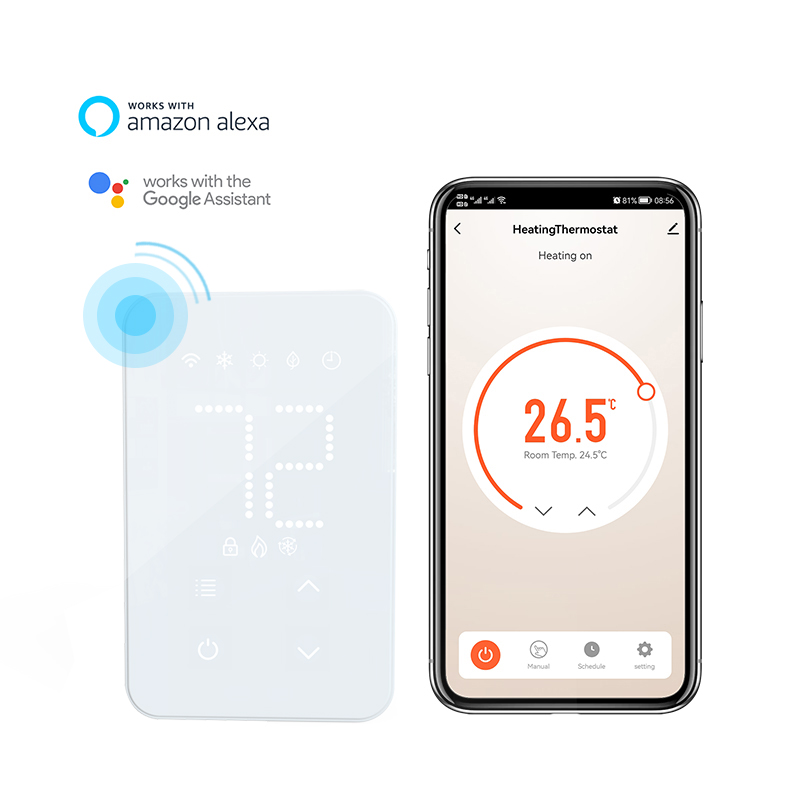
Download and log in to the companion app
Ensure the thermostat is bound to the app and connected to a stable Wi-Fi network.
Access the Smart Scene or Automation module
Open the “Smart Scene” or “Automation” section in the app and select “Add New Scene.”
Set trigger conditions
Choose time, temperature changes, device status, or location as triggers. For example, “Every day at 7:00 AM, trigger temperature to rise to 22°C.”
Add actions
Select the thermostat action, such as adjusting temperature, turning the device on or off, and optionally integrate other smart devices.
Save and test the scene
After setup, save the scene and test it to ensure the thermostat and linked devices operate as expected.
4. User Experience
In practice, smart scene integration offers several advantages:
Convenience
Users no longer need to adjust the temperature manually; the home environment is automatically comfortable.
Energy efficiency
Automatic temperature and device management effectively reduces electricity consumption.
Personalization
Scenes can be customized according to different times of day or household habits, meeting diverse family needs.
5. Precautions
To ensure smooth operation of smart scene integration, users should pay attention to:
Network stability
Unstable Wi-Fi can cause delays or failures in thermostat and device integration.
Device compatibility
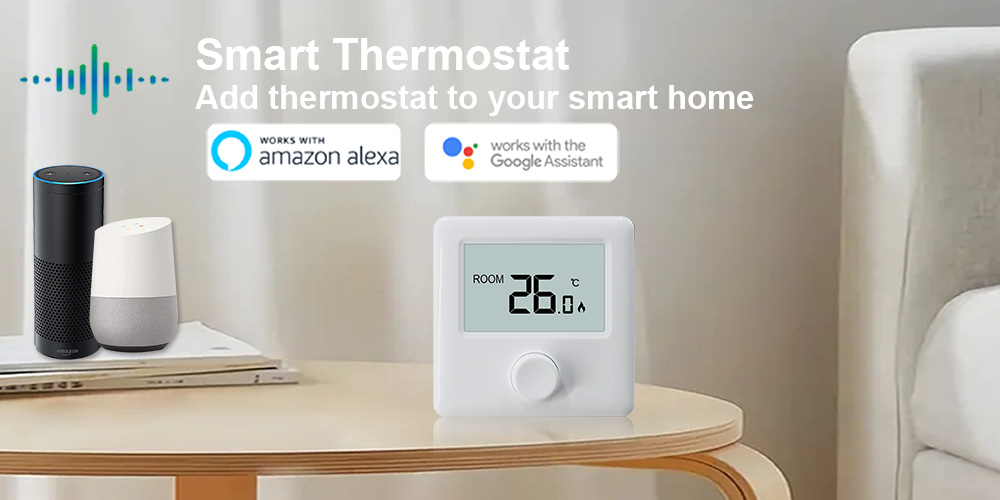
Confirm that the thermostat is compatible with the smart home platform and other devices to avoid functionality limitations.
Security management
Protect app accounts and device permissions to prevent unauthorized control.
Regular scene optimization
Adjust scene settings according to seasonal changes or daily routines to maximize comfort and energy efficiency.
Conclusion
Overall, smart scene integration for plug-in thermostats provides a more efficient, convenient, and personalized home temperature management experience. By linking time, environment, and multiple devices, users can automate indoor temperature control while improving comfort and energy efficiency. For households pursuing a smart and fully automated lifestyle, properly setting up smart scenes is a key step in enhancing the home living experience.