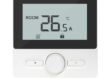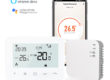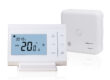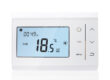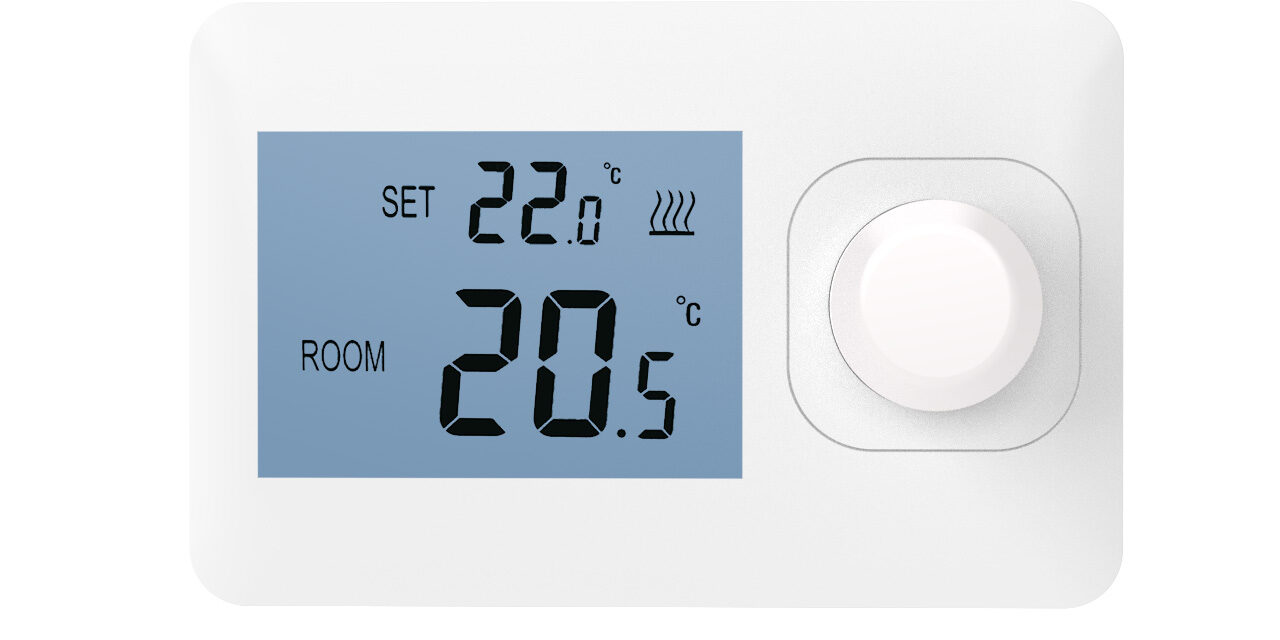
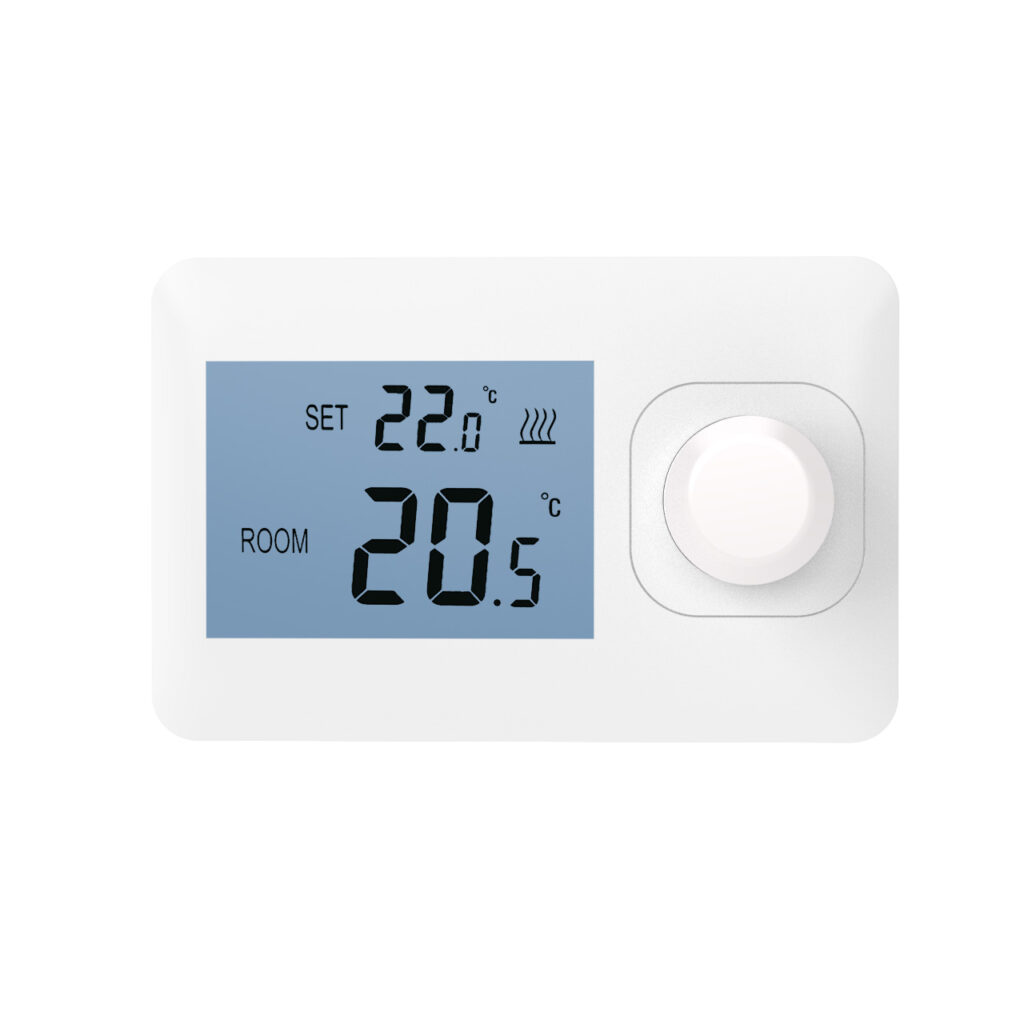
Wireless radio frequency thermostats are widely used in modern home heating and cooling systems. Proper installation is crucial for ensuring stable system operation and improving temperature control accuracy. When installing, choose a suitable location. The thermostat is best installed on an indoor wall, approximately 1.2 to 1.5 meters above the ground, to more accurately sense indoor air temperature. Avoid direct sunlight or proximity to air conditioner vents, radiators, and areas with large temperature fluctuations such as kitchens, to prevent sensor misjudgment. Ensure good air circulation around the thermostat and avoid obstruction by furniture, curtains, or decorations to ensure accurate temperature detection.
Power Supply and Wiring Connection
Proper power supply and wiring connection ensures stable operation of the thermostat and extends its service life:
- Power Supply Specification Confirmation
Before installation, confirm that the voltage required by the thermostat is consistent with the household power supply to avoid voltage mismatch causing equipment damage.
- Accurate Wiring Connection
Connect the control circuit correctly according to the product wiring diagram to ensure the thermostat can send control signals to the heating or cooling equipment normally.
- Insulation and Safety
All wiring connections should be properly insulated to prevent short circuits or leakage. Keep wiring straight and avoid excessive bending that could affect signal stability.
Wireless Signal and System Debugging
Wireless radio frequency thermostats rely on stable wireless signals to communicate with receivers or control systems. The following precautions should be taken during installation:
- Avoid Signal Interference
Avoid large metal objects or electrical appliances that could obstruct the signal path between the thermostat and the receiving device. Maintain a certain distance between the thermostat and wireless devices such as routers or microwave ovens.
- Signal Testing
For large rooms or environments with thick walls, signal testing can be performed before installation. If necessary, use signal boosters or repeaters to ensure signal stability throughout the living space.
- Device Pairing and Debugging
After installation, pair the thermostat with the receiver or central control system, set a suitable temperature range, and test the automatic control function to ensure the displayed temperature matches the actual temperature. If there is a deviation, calibration can be performed.
Daily Maintenance and Use
Even with long-term use, the thermostat requires maintenance. Keep the device clean and regularly check the buttons and casing to prevent dust from affecting sensor performance. Battery-powered thermostats should have their batteries replaced promptly to ensure stable operation, and the wireless signal connection status should also be monitored. Proper maintenance ensures long-term stable operation of the thermostat within a home smart temperature control system, improving living comfort and optimizing energy efficiency.