
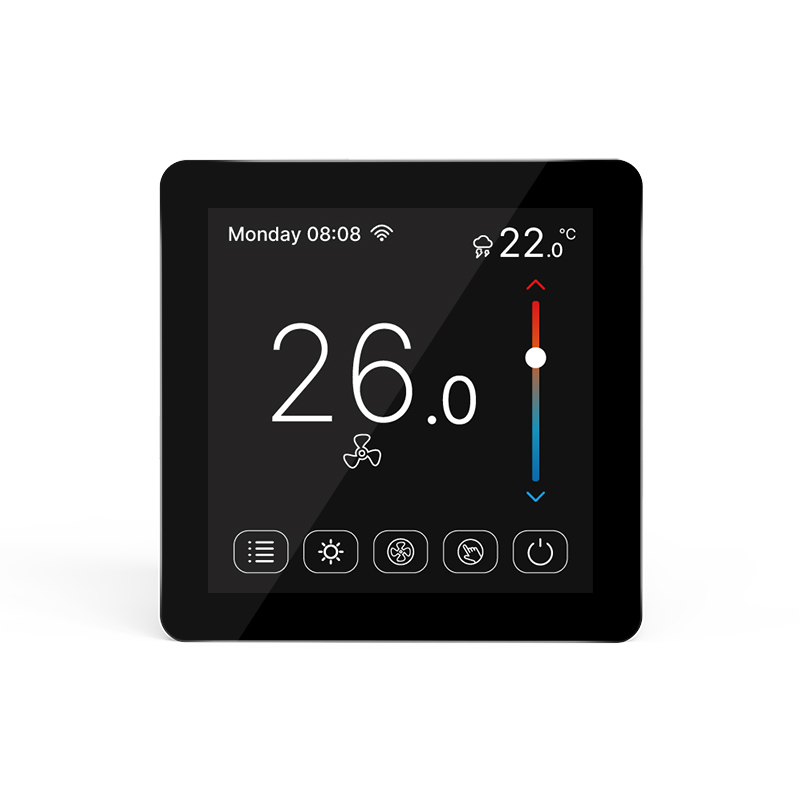
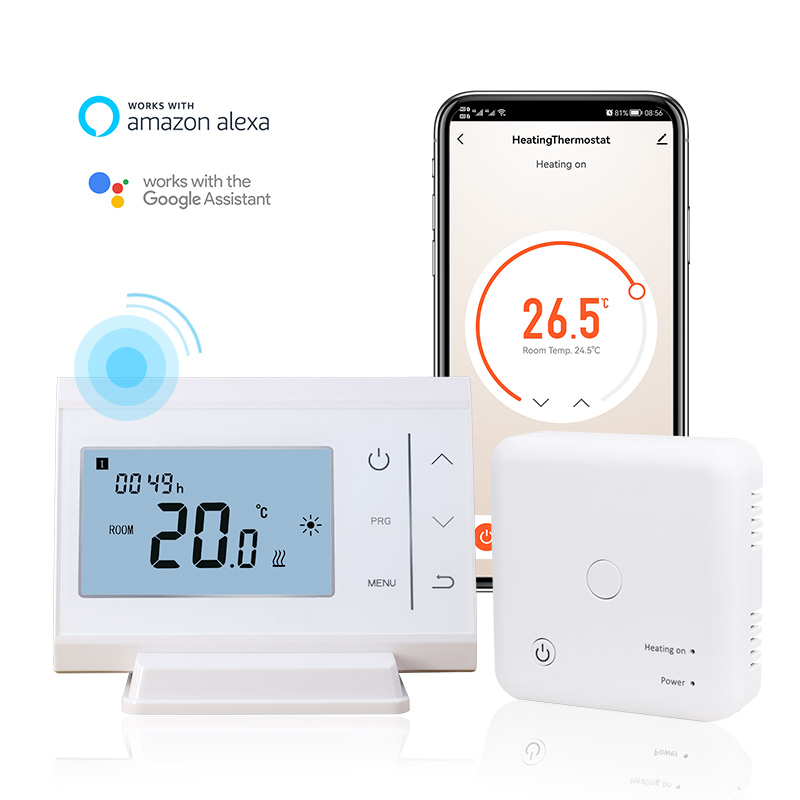
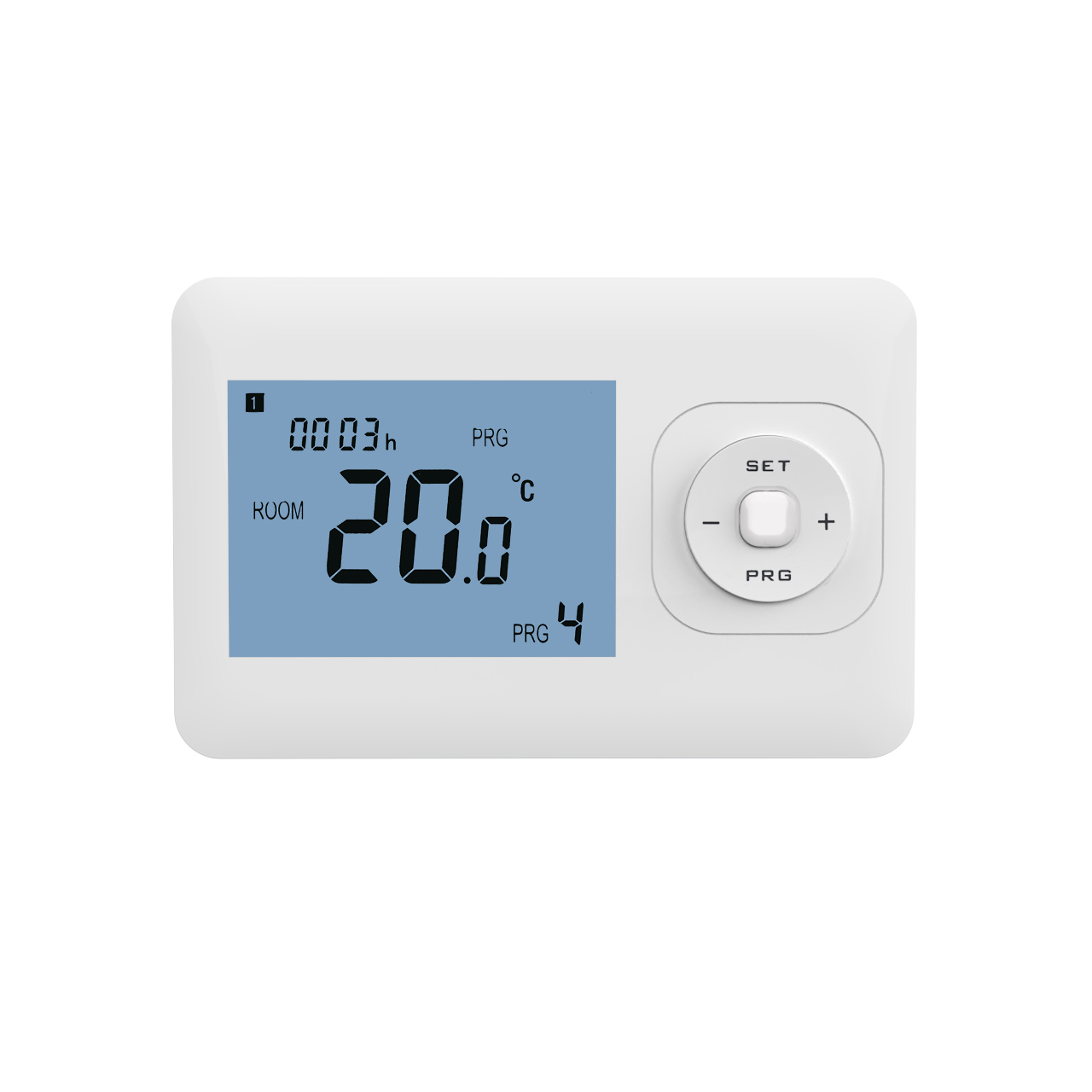

In modern commercial buildings, hotels, hospitals, and office buildings, Building Management Systems have become an important platform for centralized monitoring and energy management. To make air conditioning systems more efficient, more and more projects are adopting fan coil unit thermostats that support the BACnet protocol. By connecting to the BMS system, managers can not only view the equipment’s operating status in real time, but also remotely adjust parameters, optimize energy consumption, and improve maintenance efficiency. So, how do BACnet fan coil unit thermostats connect to the Building Management System? Understanding the connection method and implementation process is helpful for the smooth progress of project planning and system integration.
Selecting a Thermostat Supporting the BACnet Protocol
Before connecting to the BMS, device protocol compatibility is a fundamental requirement.
- Confirming Communication Protocol Consistency
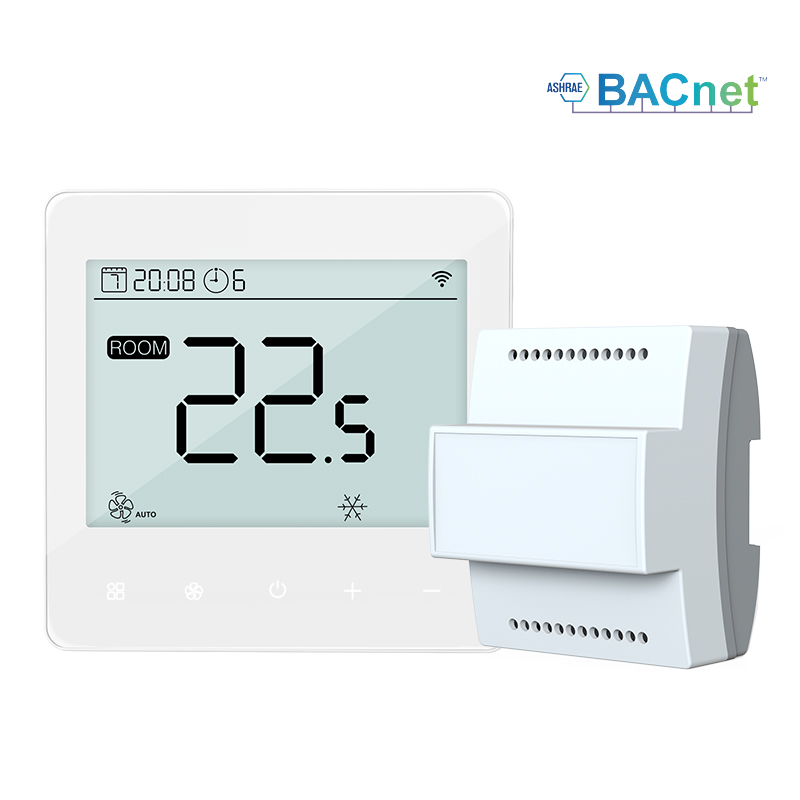
BACnet fan coil unit thermostats typically support the BACnet MS/TP communication protocol, allowing direct data exchange with BACnet-compatible building management systems.
- Meeting Building Automation Needs
BACnet-compatible thermostats can upload data such as temperature, mode, fan speed, and operating status, providing a foundation for subsequent centralized management. Selecting devices with standard BACnet communication capabilities is a crucial prerequisite for achieving system interconnection.
Establishing a Communication Network Connection
After selecting the equipment, a stable communication network needs to be built.
- Using an RS485 Bus Connection
Most BACnet MS/TP thermostats connect to the building control network via an RS485 bus, enabling unified communication among multiple devices.
- Planning the Network Topology
Design the bus length, number of devices, and address allocation reasonably according to the project scale to ensure communication stability.
A good network architecture provides reliable assurance for subsequent data transmission and system operation.
Configuring Device Parameters and Addresses
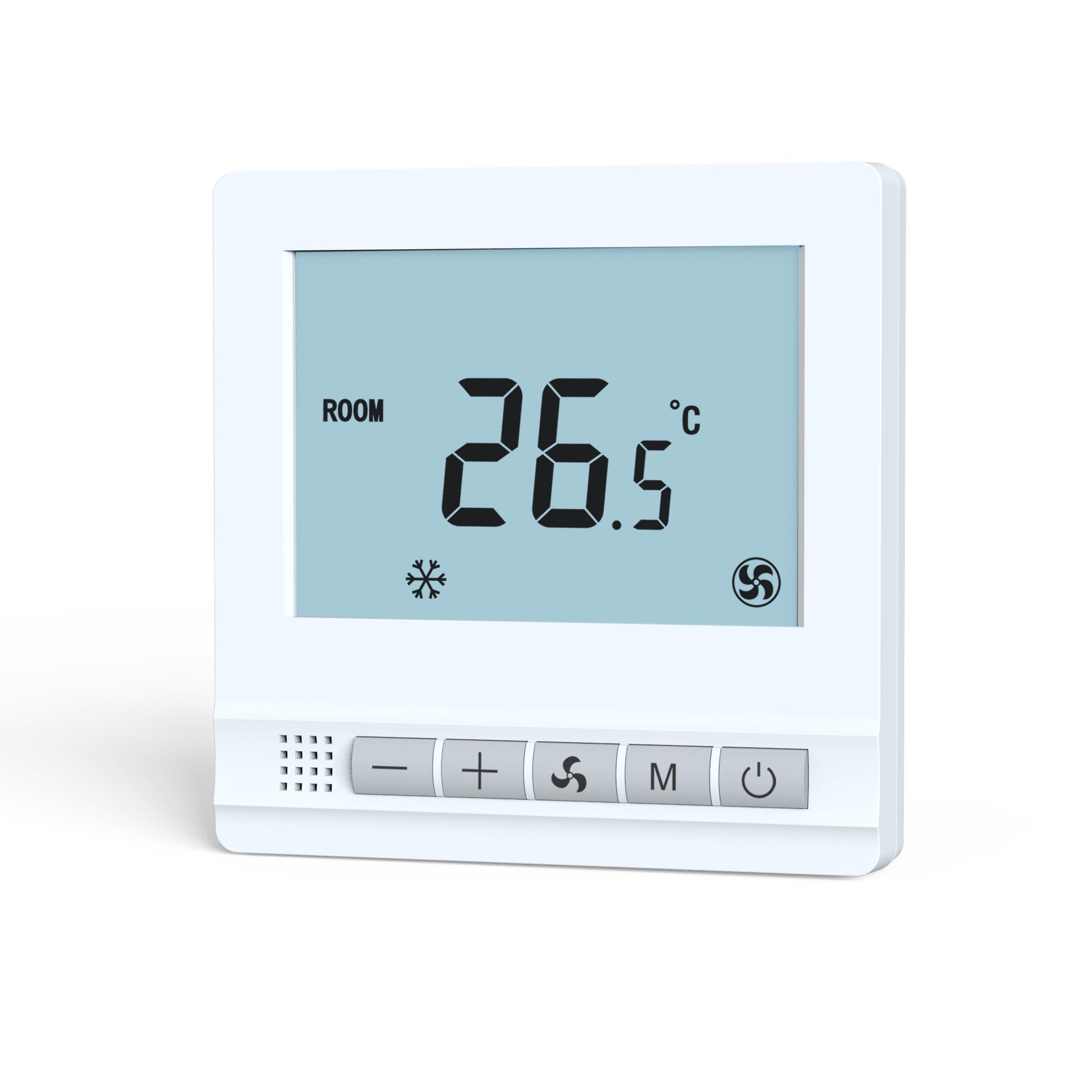
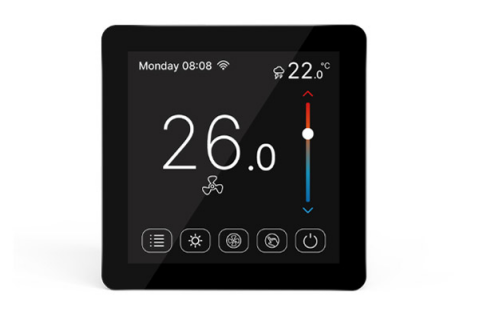
After establishing the communication connection, basic parameter settings for the E-Top BACnet fan coil unit thermostats are required to ensure successful integration into the building management system (BMS). Users can configure the device address, baud rate, and communication parameters according to project needs. Each thermostat requires a unique device address for easy identification and management by the BMS system. The thermostats can also be configured with fan operating modes, hot/cold switching logic, and temperature control parameters. Once the parameters are set, the platform can read operating data such as indoor temperature, set temperature, fan speed, and valve status via the BACnet network, enabling unified management and monitoring of device information and providing a reliable data foundation for subsequent centralized control and energy management.
Connecting to the BMS Platform and Establishing Monitoring Points
After the equipment goes online, mapping configuration needs to be completed in the building management system.
- Importing Equipment Information:The BMS identifies the thermostat equipment by scanning or manually adding it and establishes a communication connection.
- Creating Monitoring Points:Indoor temperature, set temperature, fan speed, operating mode, and other data are established as monitoring points to achieve real-time management.
Through point configuration, managers can intuitively view the operating status of each area on the monitoring platform.
Achieving Centralized Monitoring and Intelligent Management
After connection is completed, the BACnet thermostat becomes part of the BMS system.
- Remote Monitoring of Equipment Status:Managers can view equipment operating information in real time on the central control platform without having to check each device on-site.
- Unified Adjustment of Operation Strategy:Temperature settings, operating times, and fan modes are adjusted in batches according to building usage, improving management efficiency.
Centralized management not only enhances operational convenience but also helps reduce overall energy consumption.
The process of integrating BACnet fan coil unit thermostats into a building management system mainly includes equipment selection, communication network setup, parameter configuration, point establishment, and system integration. Through the standard BACnet protocol, the thermostat can seamlessly communicate with the BMS, bringing distributed air conditioning terminals into a unified management platform. For hotels, office buildings, hospitals, and large commercial buildings, this integration method not only improves equipment management efficiency but also provides a more reliable technical foundation for energy-saving control, fault early warning, and intelligent operation and maintenance.